Elys Awareness

 Proprietary licence
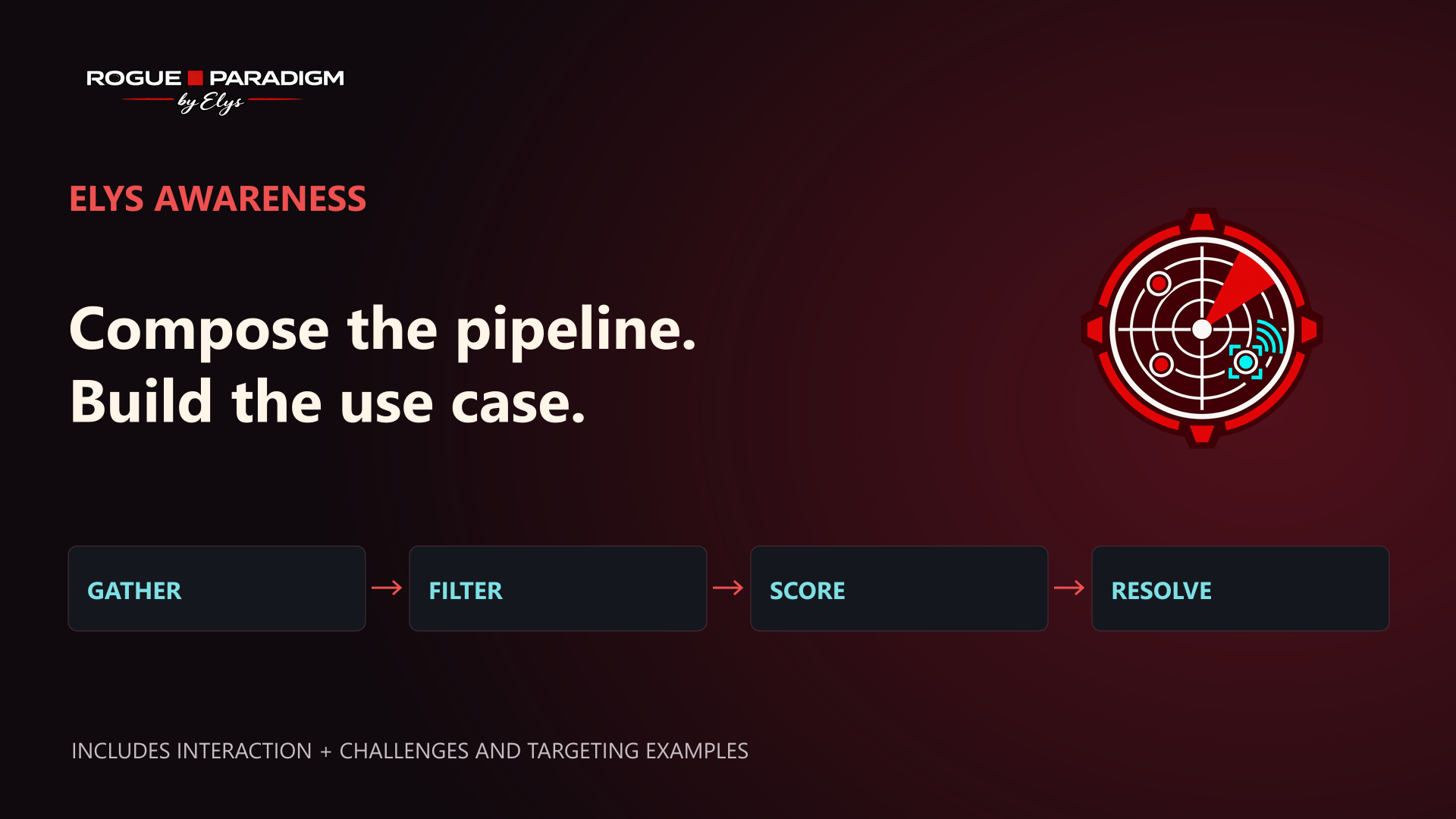
Compose the pipeline. Build the use case.
Elys Awareness is a composable awareness framework for Unreal Engine. Each channel gathers candidate actors, filters them, combines weighted scores and resolves a result for your gameplay domain.
Start with the supplied samplers, filters and scorers, or implement your own in Blueprint or C++. Two included use cases demonstrate the framework: interaction with bonus challenges, then targeting. Reuse and restyle the editable examples, compose your own systems, or mix both approaches.
Watch the framework in action
Watch the demonstration on YouTube: framework and pipelines at 0:00, interaction and bonus challenges at 0:24, targeting at 1:12.
Ready-to-use pipeline blocks
| Stage | Supplied building blocks |
|---|---|
| Gather | Sphere overlap, box overlap and registered actors |
| Filter | Distance, cone, line of sight, Gameplay Tags, interfaces and domain capabilities |
| Score | Distance, aim alignment, cone and screen-space ellipse |
| Resolve | Weighted-average aggregation and highest/lowest-score selection |
Channels can evaluate continuously or through explicit queries on input. Equivalent samplers can share cached raw results while each pipeline applies its own rules. Your domain consumes the result and owns the gameplay meaning.
Two included use cases
Interaction provides contextual actions, prompts, cancellation and retry. Bonus examples cover Hold, Mash, alternating input, directional QTE, timing and rhythm. A custom two-stage Blueprint challenge shows how to add your own mechanic, widget and completion response. See the Interaction Guide and Challenge System.
Targeting provides focus, lock, aim and nearest selection, cycling and replaceable feedback. The demo keeps targeting and interaction independent; shared inputs and gameplay priorities are your design choices. See the Targeting Guide.
The Composition Guide explains both starting paths: duplicate and restyle the examples, or connect your own rules, gameplay responses and presentation.
Quick Navigation
Setup Guide - Complete installation and configuration walkthrough
Pipeline System - Understanding the core architecture
Interaction Guide - Implementing proximity-based interactions
Challenge System - Modal challenge flow, input routing, difficulty, and custom mini-games
Instanced Interaction - Turn ISMC instances into interactable objects with state
Saving & Loading - Persist instance states across game sessions
Targeting Guide - Combat targeting and lock-on systems
Custom Domains - Create your own domains (extend UERPDomainComponent)
Widget Guide - Building interaction prompts, hold-to-interact, targeting UI
Playable Showcase - What every stand demonstrates and how to verify it
Customization - Creating custom pipeline components
API Reference - Complete class documentation
Quick Reference - Cheat sheet and common patterns
Overview
Elys Awareness provides a data-driven perception system built from reusable components. Assemble pipelines that sample, filter and score candidates on a configurable update interval or an explicit query, with built-in weighted aggregation and result selection.
Core workflow:
- Build a
FERPAwarenessContext(origin, forward, viewport info) - Run one or more channels (Target, Interaction, custom) through Pipelines
- Receive events when candidates are acquired or lost
Architecture
The plugin is structured in three layers:
Perception Layer (UERPAwarenessComponent): The engine. Evaluates channels, picks best candidates, fires generic events. Knows nothing about gameplay semantics.
Domain Layer (UERPDomainComponent subclasses): Gameplay interpretation. UERPInteractionComponent and UERPTargetingComponent extend the abstract UERPDomainComponent base class. Each domain listens to a perception channel, applies domain-specific eligibility rules, and maintains state. You can create your own domains by extending UERPDomainComponent.
Presentation Layer (optional): Visual feedback components like UERPBaseInteractionFeedbackComponent and widget base classes. When present on an interactable actor, automatically notified by the domain layer. When absent, silently skipped — you can plug in your own UI logic at any level.
What It Includes
- Configurable Pipelines (Samplers, Filters, Scorers with weights, built-in aggregation and resolution)
- Multi-channel architecture (Target and Interaction by default)
- Extensible domain system (create custom domains in Blueprint or C++)
- Registry-based candidate system for declarative, non-spatial perception (map markers, POIs, quest objectives)
- Pipeline evaluation events exposing all scored candidates (for minimap, radar, multi-candidate displays)
- Server routing and validation for interaction requests; project-specific replicated state and responses remain part of integration
- Blueprint and C++ friendly APIs
- Debug logging and validation helpers
- Visual feedback components (optional, auto-wired when present)
- Ready-to-use targeting and interaction challenge widgets, plus Blueprint wrappers you can restyle
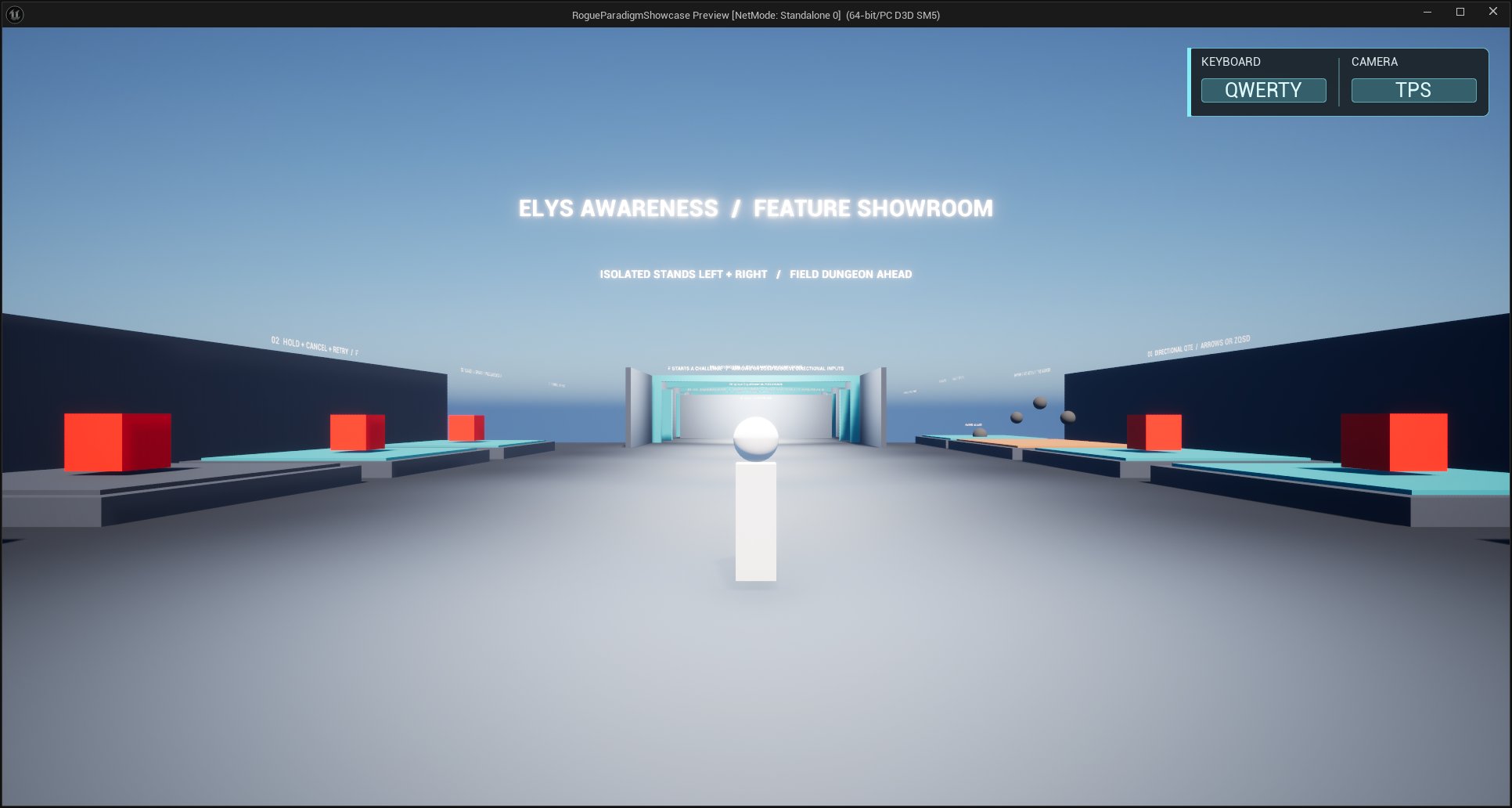
- One playable showroom-and-dungeon sample under
ElysAwareness Content/Demo - Configurable tick interval for performance control
What It Does Not Include
- Built-in AI behavior trees or blackboards
- A complete game-specific HUD. The included widgets are neutral starting points designed to be restyled or replaced.
Key Concepts
UERPAwarenessComponent: Attach to PlayerController, Pawn, or custom Actor. Owns channels and Pipelines.
Channels: Independent evaluation tracks (e.g., Target, Interaction). Each has its own Pipeline and winner.
UERPDomainComponent: Abstract base class for gameplay domains. Handles channel binding, candidate tracking, and change events. Extend this to create custom domains.
Pipeline Stages:
- Sampler: Gathers candidate actors (sphere overlap, box overlap, registry, custom query)
- Filters: Reject invalid actors (interfaces, distance, custom rules)
- Scorers: Assign weighted scores (lower is better by default)
- Aggregation: Combine weighted scorer outputs (built-in weighted average)
- Resolution: Pick the winner candidate (configurable via
ResolverPolicyandStickyBiason the pipeline struct)
Context (FERPAwarenessContext): Channel ID, origin, forward direction, aim ray, viewport projection info, screen projection PC, owning actor. Built per-channel and shared across all pipeline stages.
Interfaces:
IERPTargetable: Opt-in for targetingIERPInteractable: Opt-in for interaction (includes ExecuteInteraction with RPC support)IERPAwarenessContextProvider: Customize context building
Quick Start
Minimal setup (full guide in Setup Guide):
- Add component:
ERPAwarenessComponenton your PlayerController or Pawn - Configure Target Pipeline (component details):
- Channel Id:
Target - Sampler:
ERPSphereOverlapSampler(Object Channel: WorldDynamic, ignore context actor) - Filters:
ERPTargetableFilter, thenERPLineOfSightFilter(Visibility) - Scorer:
ERPDistanceScorer(normalize by range), Weight: 1.0 - ResolverPolicy:
LowestScore(lowest score wins)
- Channel Id:
- Add domain:
ERPTargetingComponentset to channelTarget - Make actors targetable: Add
ERPTargetableinterface and returntrueinCanBeTargetedBy - Bind events: Listen to
OnDomainCandidateChangedorOnDescriptorChangedon the targeting component
Multi-Channel Events
For custom channels beyond Target/Interaction, use generic channel events on UERPAwarenessComponent:
OnChannelCandidateAcquired(FName ChannelId, AActor* Candidate)OnChannelCandidateLost(FName ChannelId, AActor* Candidate)OnChannelEvaluated(FName ChannelId, TArray<FERPPipelineScoredCandidate> ScoredCandidates)— all candidates that passed the pipeline (for minimap, radar, etc.)
For single-channel setups with no domain logic, use UERPChannelListenerComponent.
For gameplay domains (eligibility rules, descriptors), extend UERPDomainComponent. See Custom Domains.
Architecture Philosophy
Modular Building Blocks
The plugin provides independent building blocks that connect automatically when used together, but never force a specific approach. You can use all of them, some of them, or replace any piece with your own logic.
Perception handles detection and evaluation:
- Which actors are in range?
- Which actor scores best?
Domain handles eligibility and state (via UERPDomainComponent subclasses):
- Can this actor be interacted with right now?
- What action is available?
- You can use the built-in
ERPInteractionComponent/ERPTargetingComponent, or create your own domain.
Presentation handles visuals (entirely optional):
ERPBaseInteractionFeedbackComponent: placed on interactable actors, automatically notified byERPInteractionComponentwhen the actor gains/loses focus. If absent, the interaction system works the same — you just handle visuals yourself.- Widget base classes (
ERPInteractionWidgetBase,ERPTargetingWidgetBase): convenience base classes for UMG widgets. You can also build widgets from scratch onUUserWidgetand drive them from domain events directly.
Pick What You Need
| You want to... | Use... |
|---|---|
| Use the full interaction system out of the box | ERPInteractionComponent + ERPBaseInteractionFeedbackComponent + widget base classes |
| Use the interaction system with your own UI | ERPInteractionComponent + bind to OnDescriptorChanged / OnDomainCandidateChanged |
| Use perception only and build everything else | ERPAwarenessComponent + OnChannelCandidateAcquired / OnChannelCandidateLost |
| Build a custom domain (stealth, loot, etc.) | Extend UERPDomainComponent |
The framework keeps gameplay meaning and presentation replaceable. Use the supplied building blocks or connect your own implementations through the same contracts.
Next Steps
New users: Start with Setup Guide for step-by-step installation and configuration.
Understand the system: Read Pipeline System to learn how detection works.
Implement interactions: Follow Interaction Guide for proximity-based interactions.
Implement targeting: Follow Targeting Guide for combat targeting.
Build your UI: Follow Widget Guide for interaction prompts, hold-to-interact, and targeting widgets.
Create custom domains: See Custom Domains to extend UERPDomainComponent.
Extend the pipeline: Create custom components in Customization.